BIG UPDATE
On this page
The biggest update in the history of the project. It brings a new renderer, a new menu and unlimited customisation. ~95% of the functionality has been rewritten or touched in some way.
The update covers all of our games. For now you can only try it in Deadlock — over the coming week we plan to retire every older version, leaving only the new one.
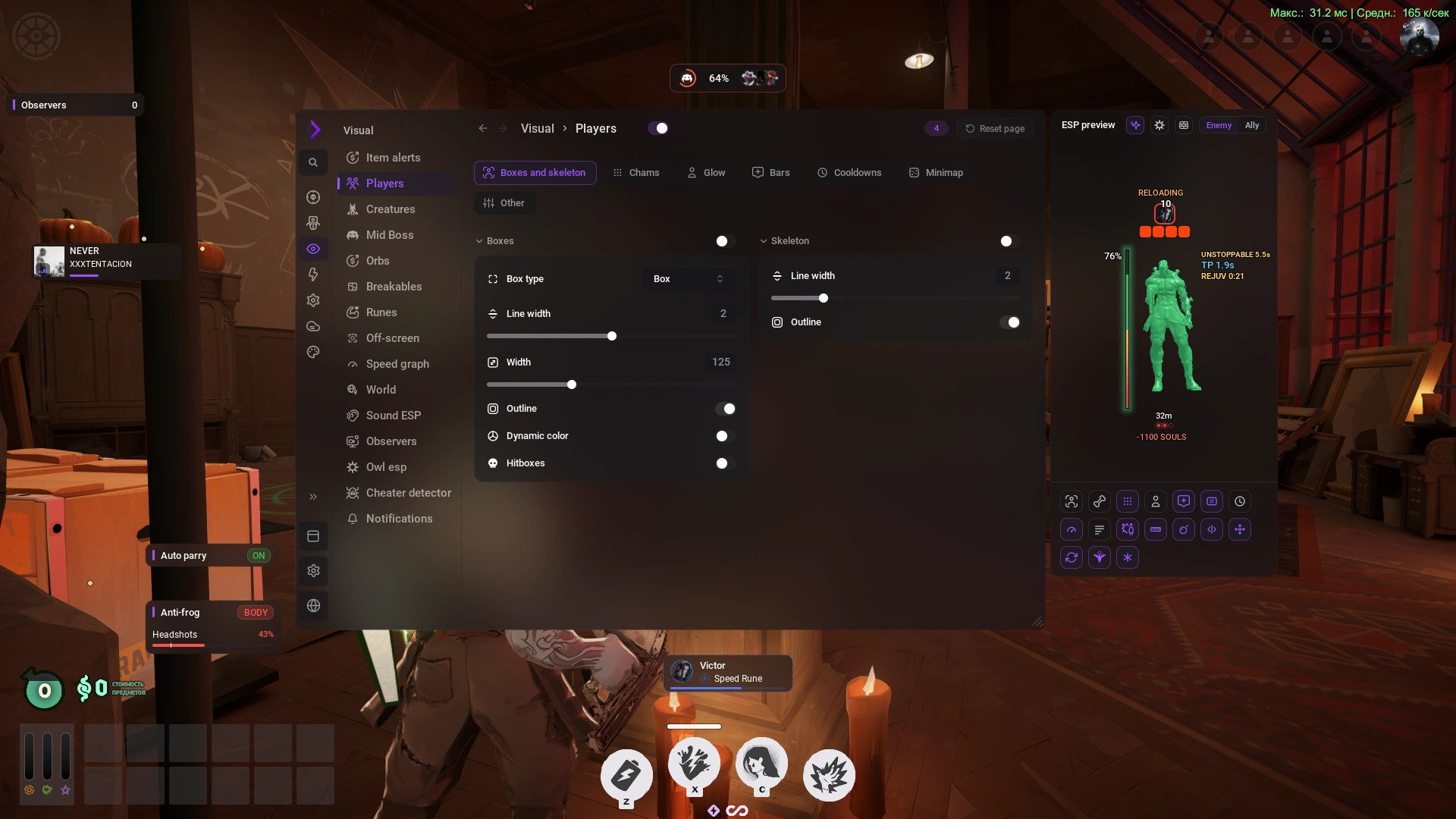
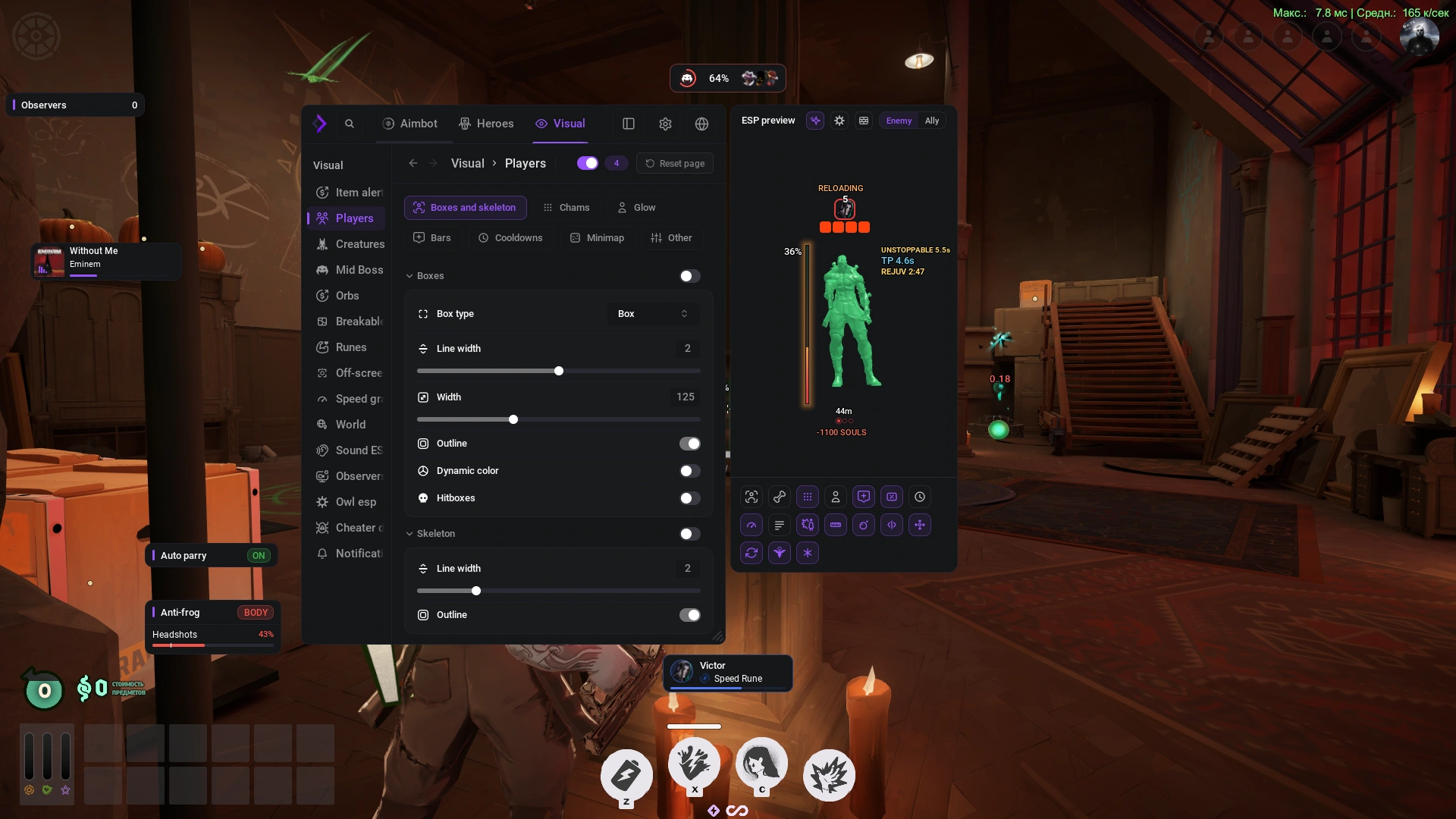
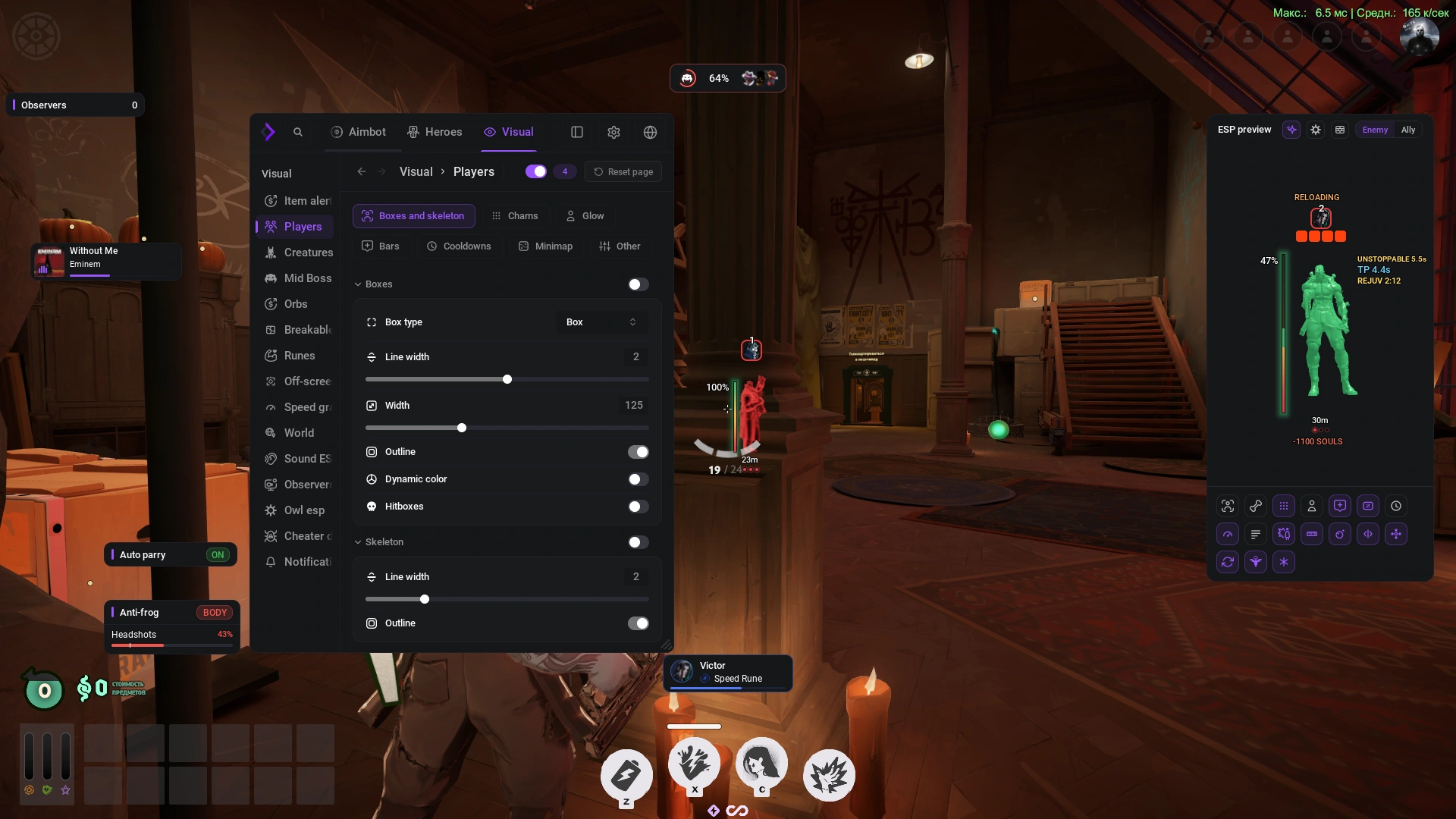
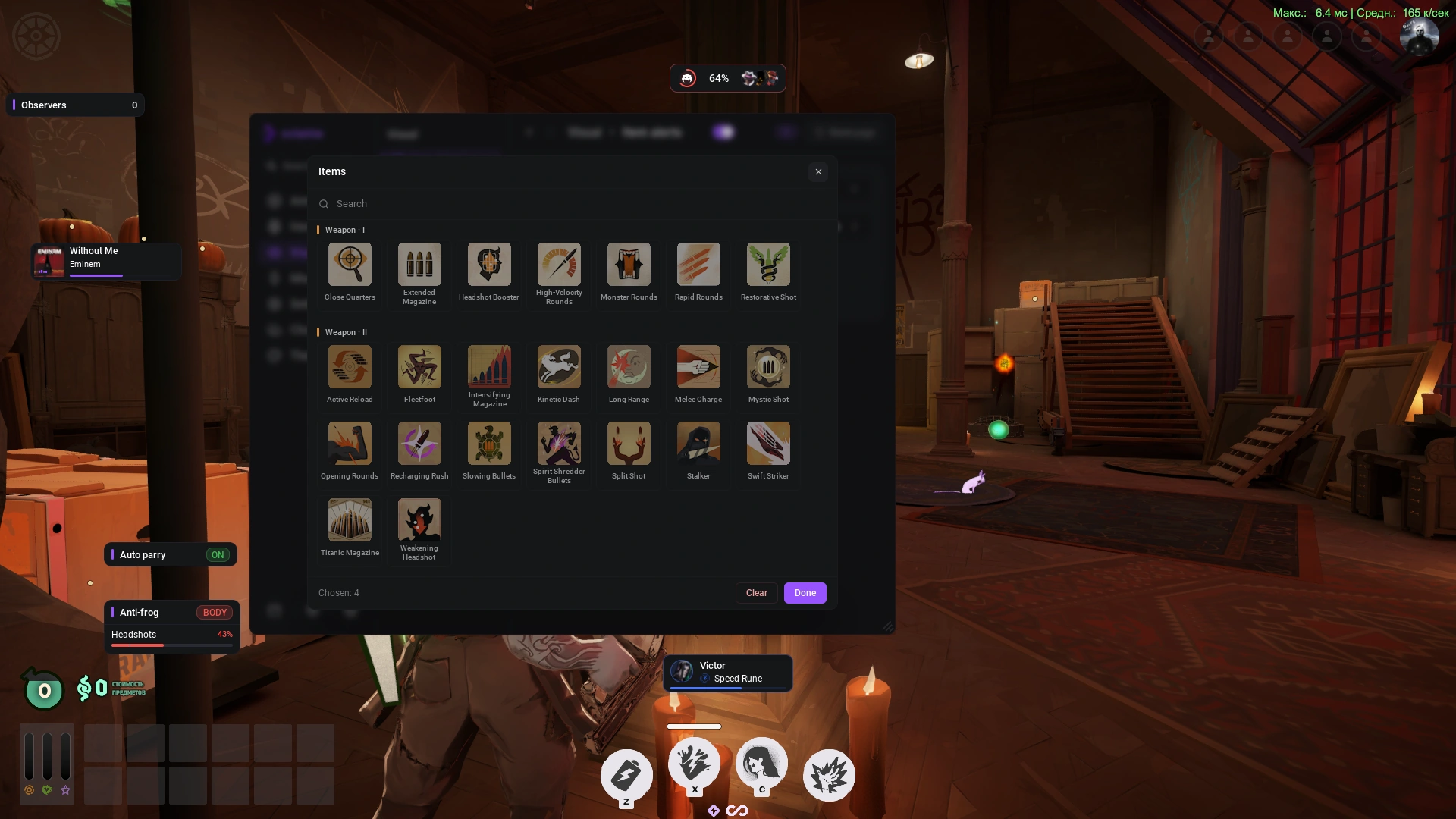
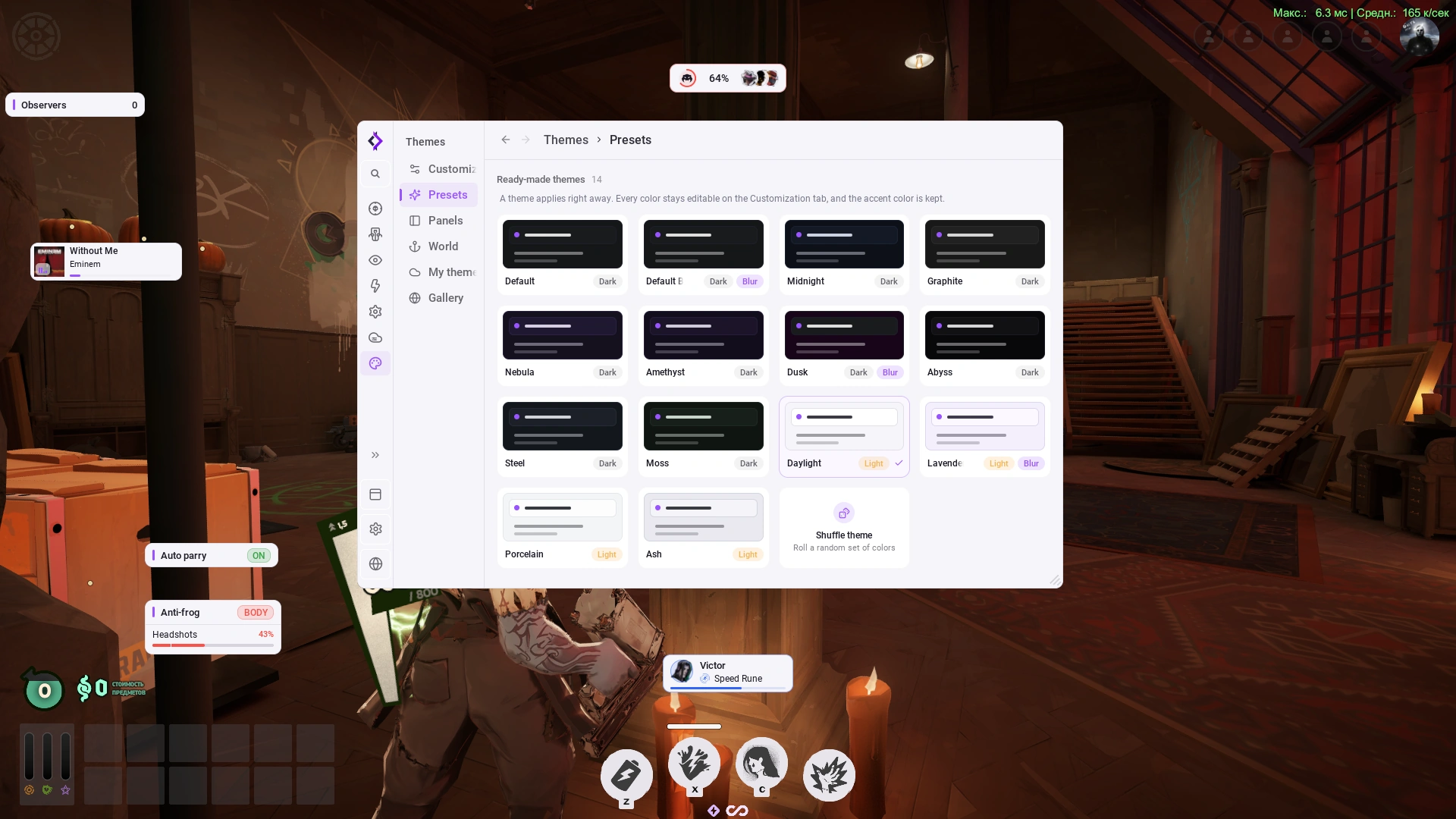
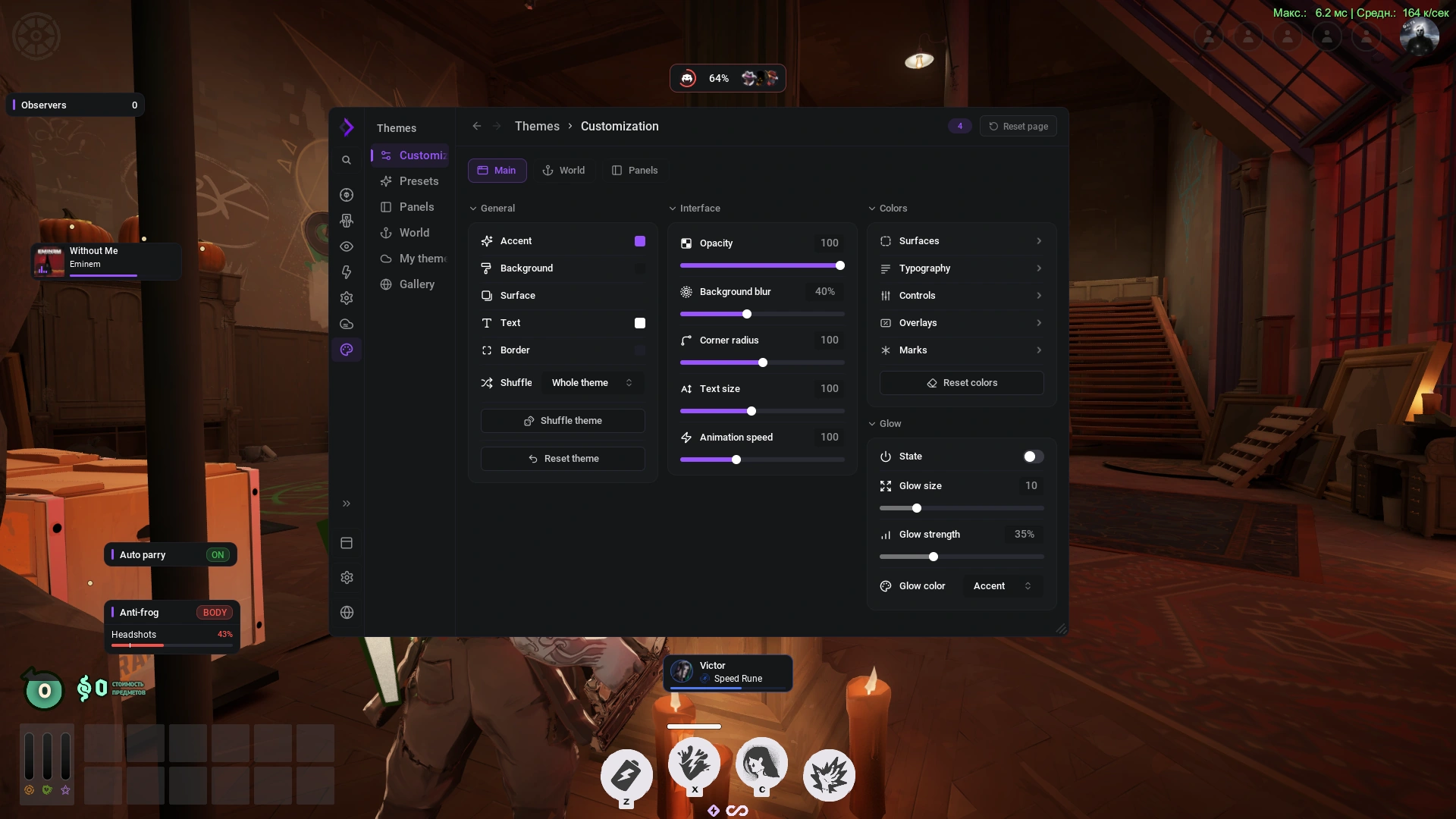
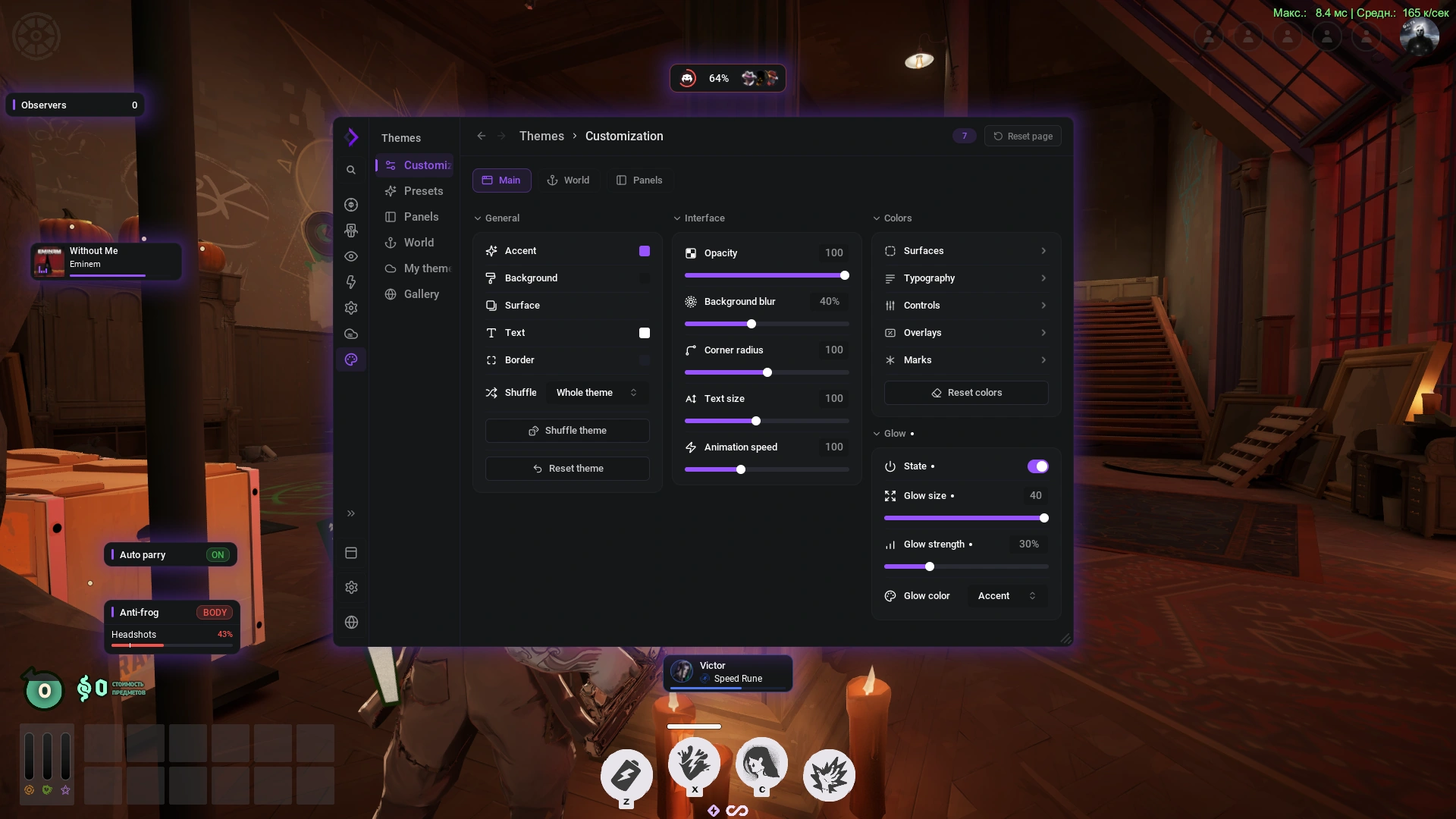
The new menu
- Absolutely every element can be changed.
- The menu resizes however suits you: make it compact so it doesn't cover objects or get in the way while you set things up. Every element inside adapts to the new size automatically.
- The main menu can sit on top, to the side, be hidden, or be given a size of its own.
- Endless themes: you can set up different ones for the world, the panels or the menu itself.
What we reworked
Almost every feature has been reworked and improved. Here are the main changes.
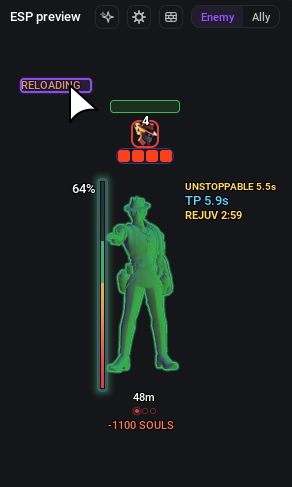
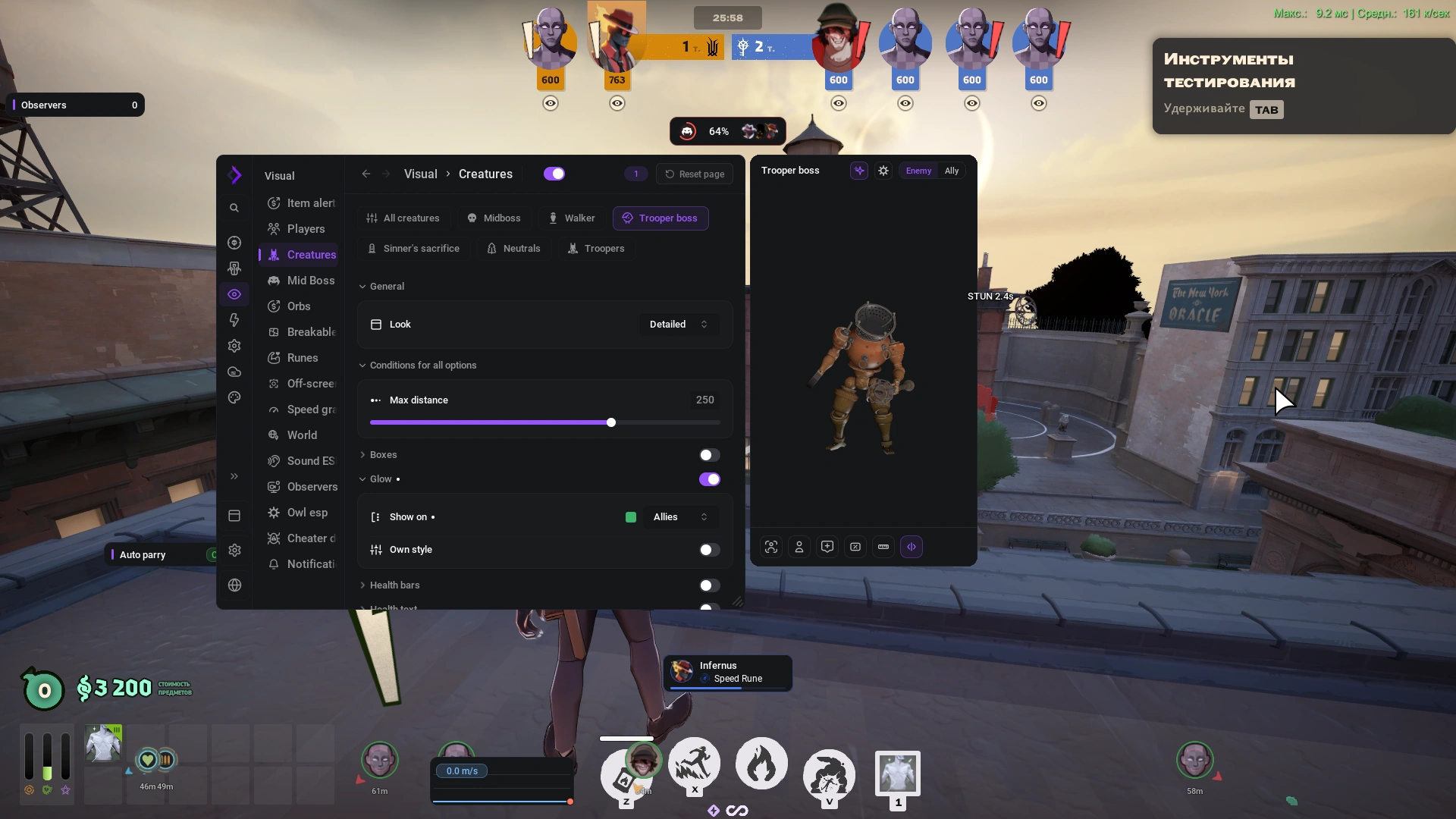
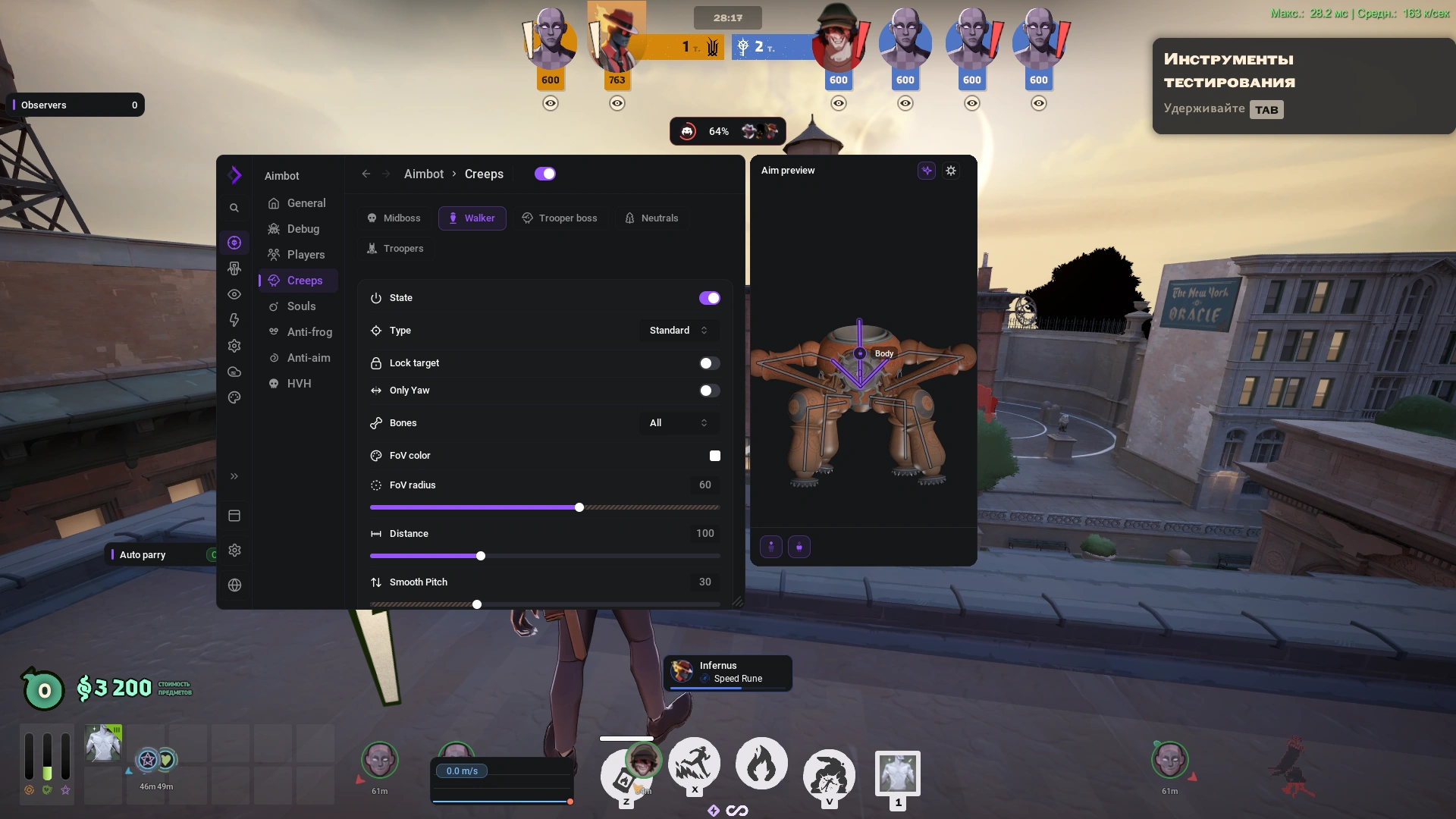
3D preview
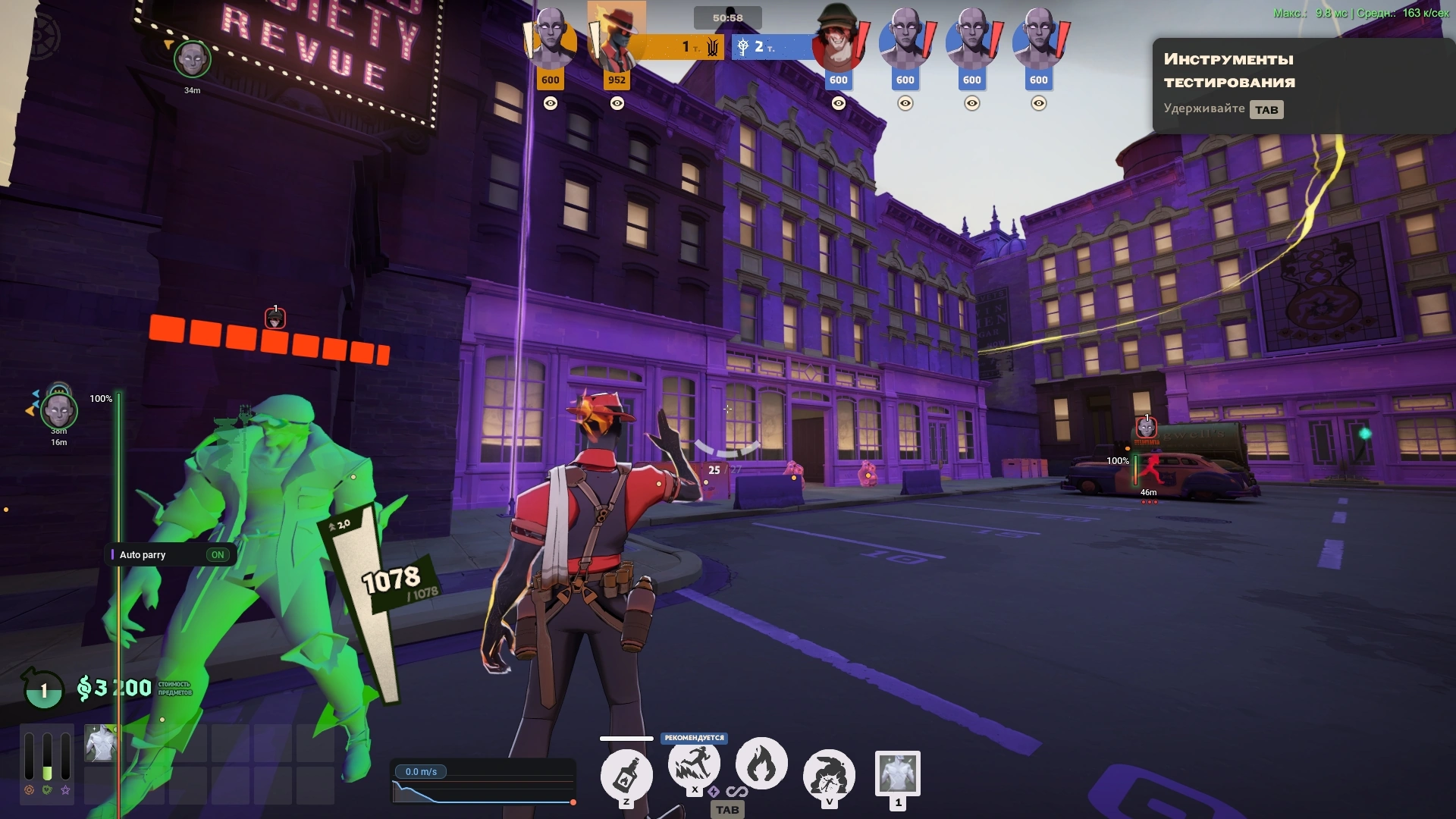
The preview shows every visual — right down to Glow — and it was built not just for heroes, but for most features, visual and otherwise.
Any element can be moved wherever you like. We even made it possible to pin an element straight onto the in-game health bar.
Custom chams
Chams are a rarity in Deadlock — almost everyone uses Glow instead. We wrote our own engine that can apply any material.
Themes you can share
Plenty of ready-made presets, a theme generator, and Blur and Glow effects.
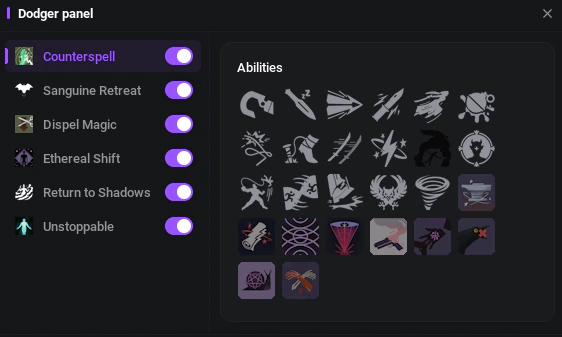
Dodger
It now includes Auto parry, anti-parry and dodging with items and abilities.
Binds and custom logic
Any feature can be bound to a key — press it and it fires.
A separate custom-logic module: you choose the minute after which a given feature switches off. It is especially useful for visuals — what helped you in lane only gets in the way late game.
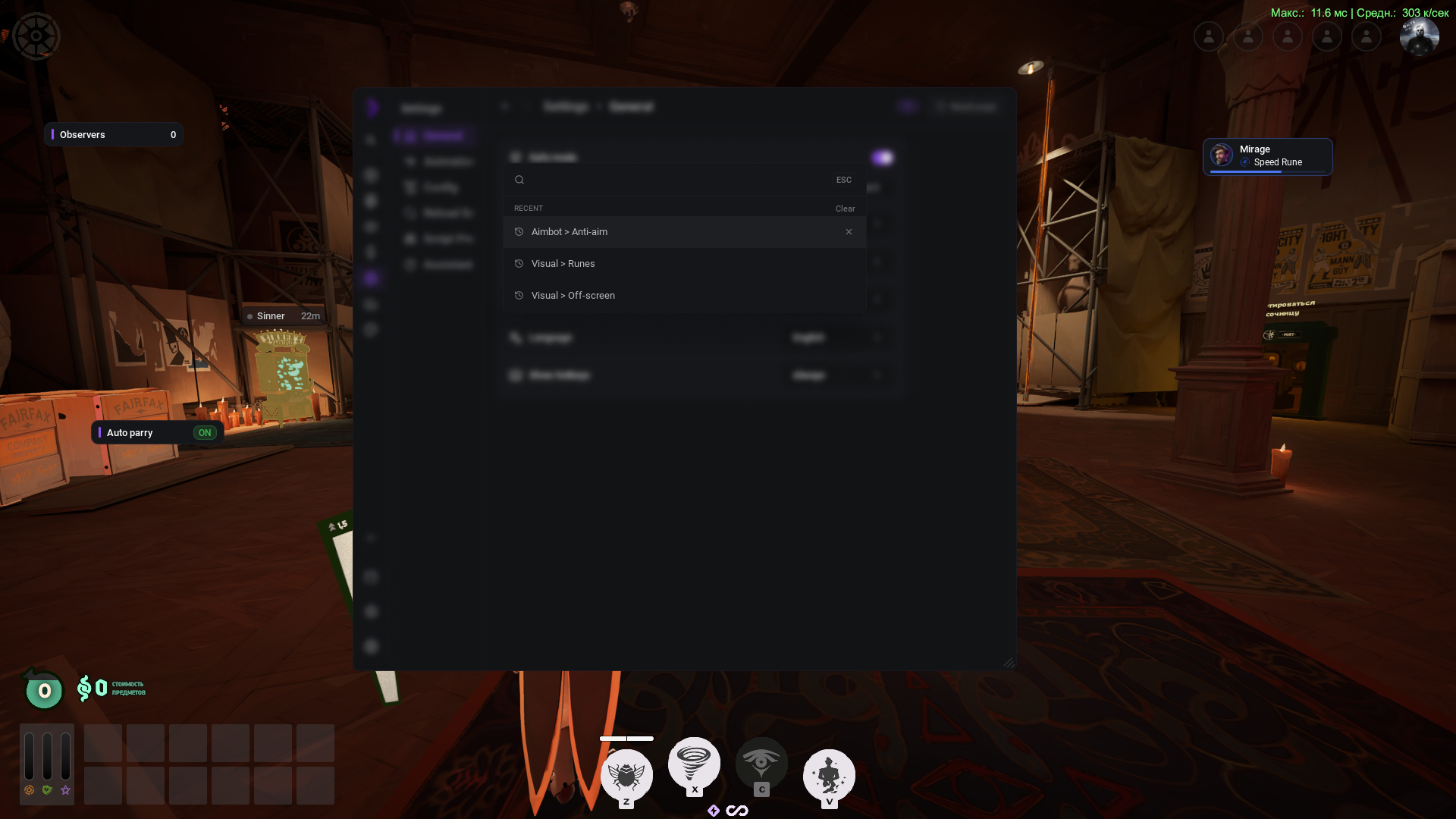
The new search
It shows what you searched for last.
Panels snap to each other
Panels now interact with each other exactly like in Figma: drag one and it lands dead centre or flush against its neighbour.
Now playing
See what is playing in Spotify or your browser without minimising the game.
Notifications
They arrive when the mid-boss comes under attack, when items are bought and when runes are taken.
Repainting the world
The whole world can be repainted.
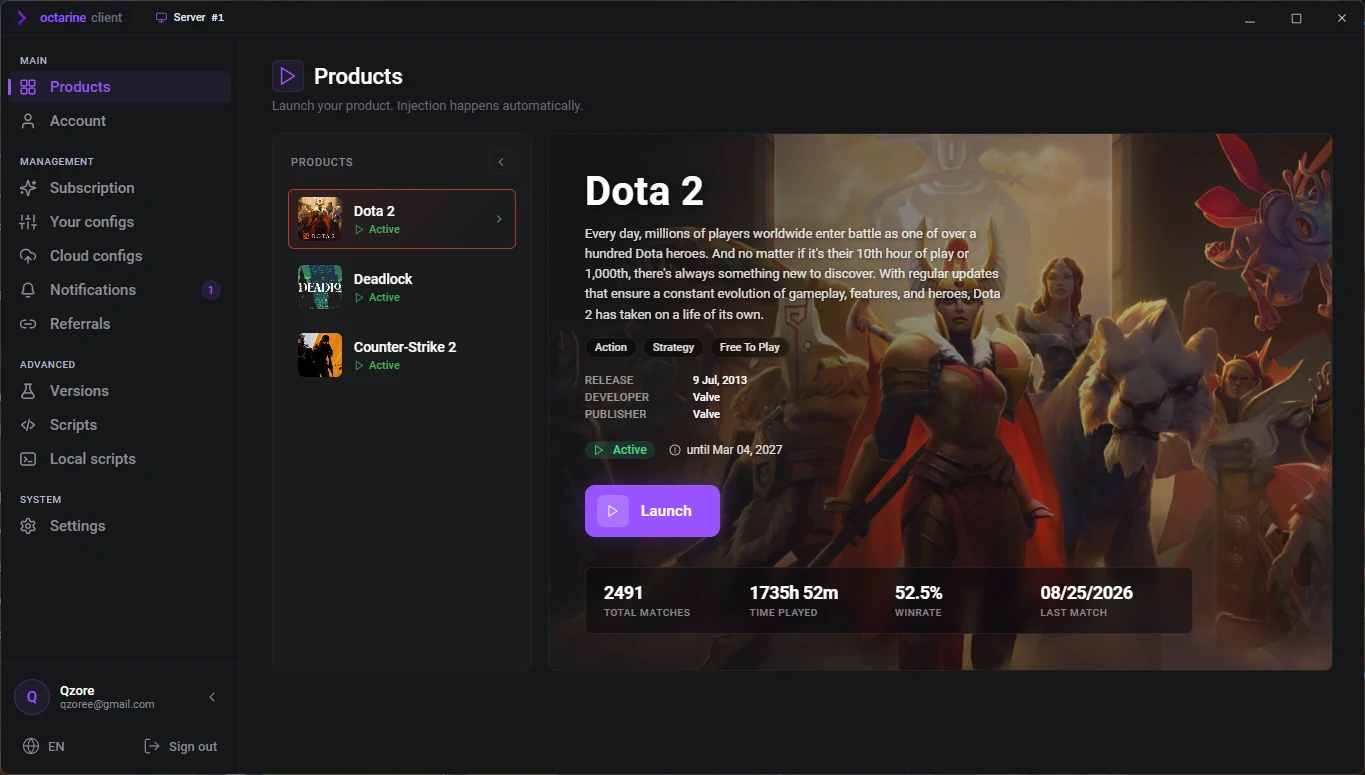
Client design
The client has been reworked to match the new menu.
To get this update out in a short time, we worked twice as much as usual. Five developers took part in all, and the update itself took more than 800 person-hours.
Yours,
the Octarine team 💜